


Whether it’s for an all-hands presentation about your organization’s growth, sharing information with auditors, or increasing transparency, an exportable org chart is key.
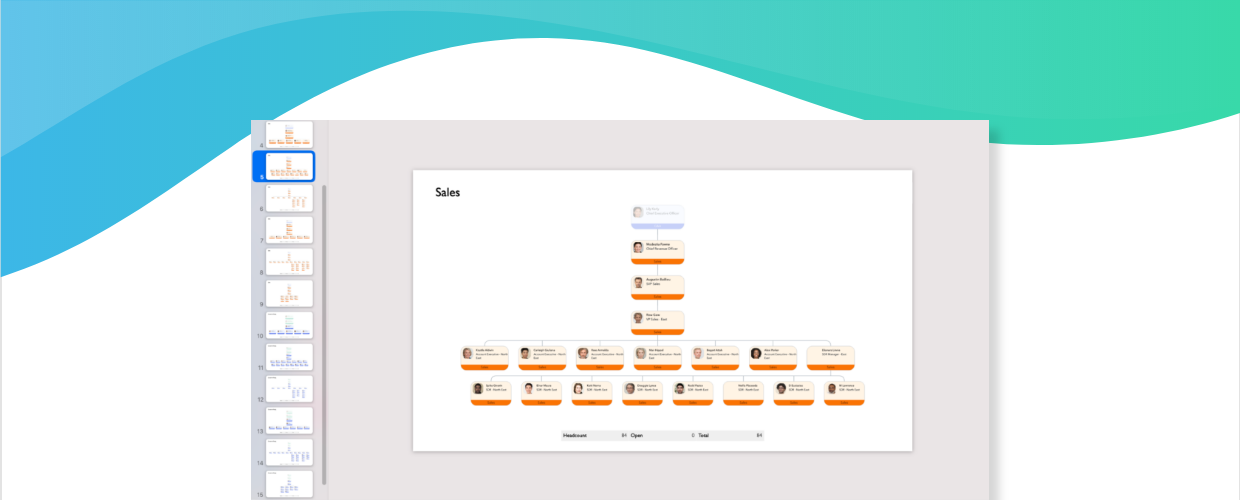
With the latest updates to ChartHop, you can export visuals of your org chart directly to PowerPoint as an SVG image to display the same design you see in ChartHop directly on your slides.
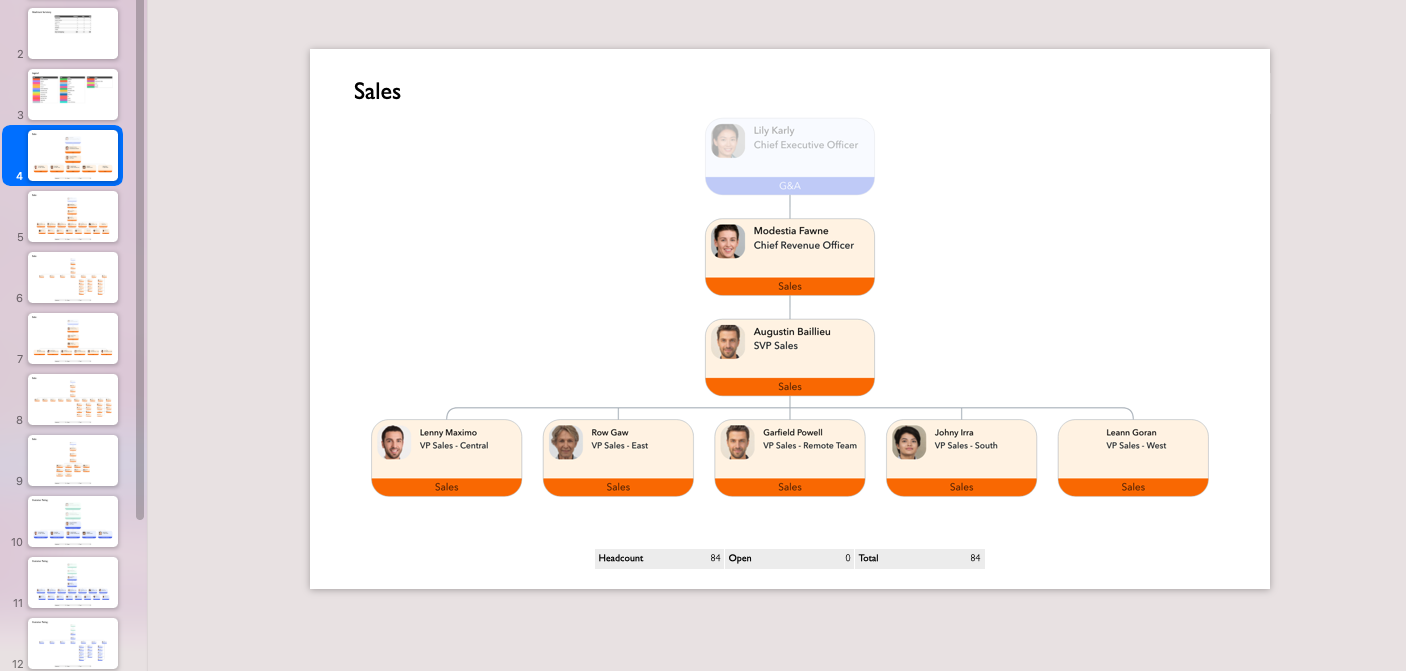
The latest updates also include a flexible filter to export specific areas of your org chart, such as the sales department, just managers, those in a certain location, etc.
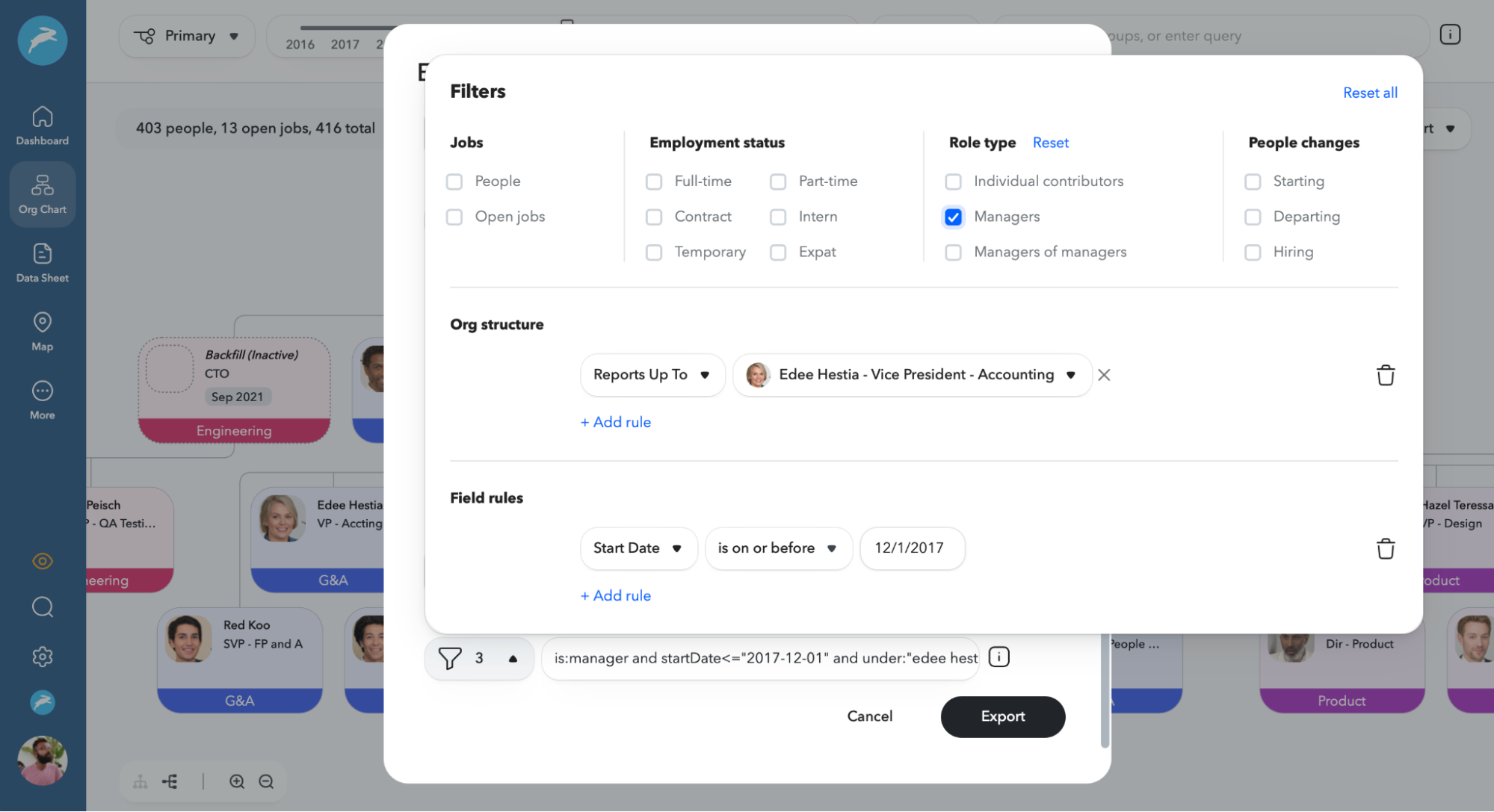
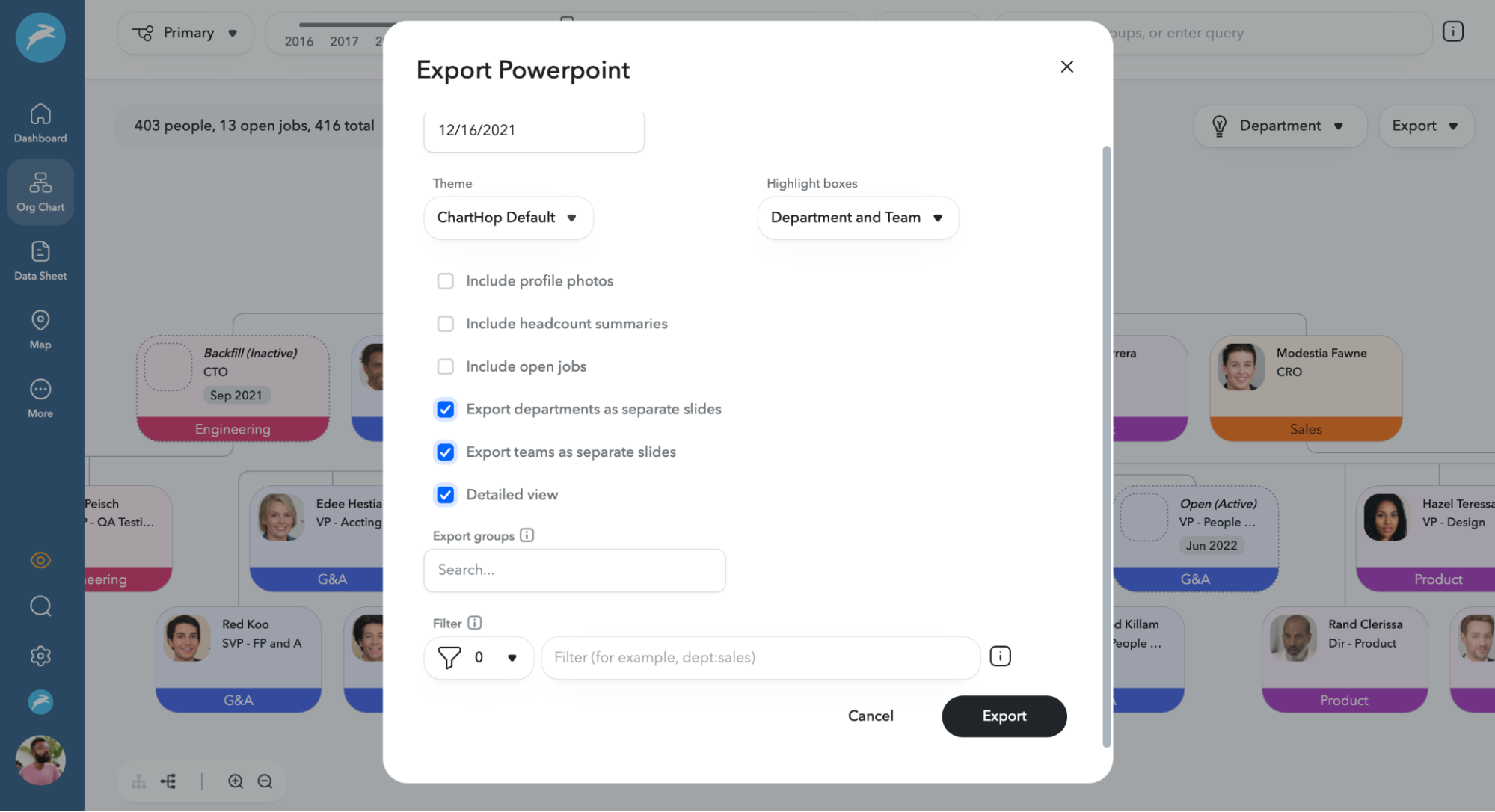
And for larger organizations, you can increase the readability of org chart exports by automatically segmenting departments onto different slides, narrowing in on teams within departments, or breaking down teams even further with a “Detailed View” option.
How to Get Started
Ready to see the latest updates in action? Log in to ChartHop today to get started: You can export the new org charts by going to the Org Chart view in ChartHop and selecting “Export” in the top-right corner.